
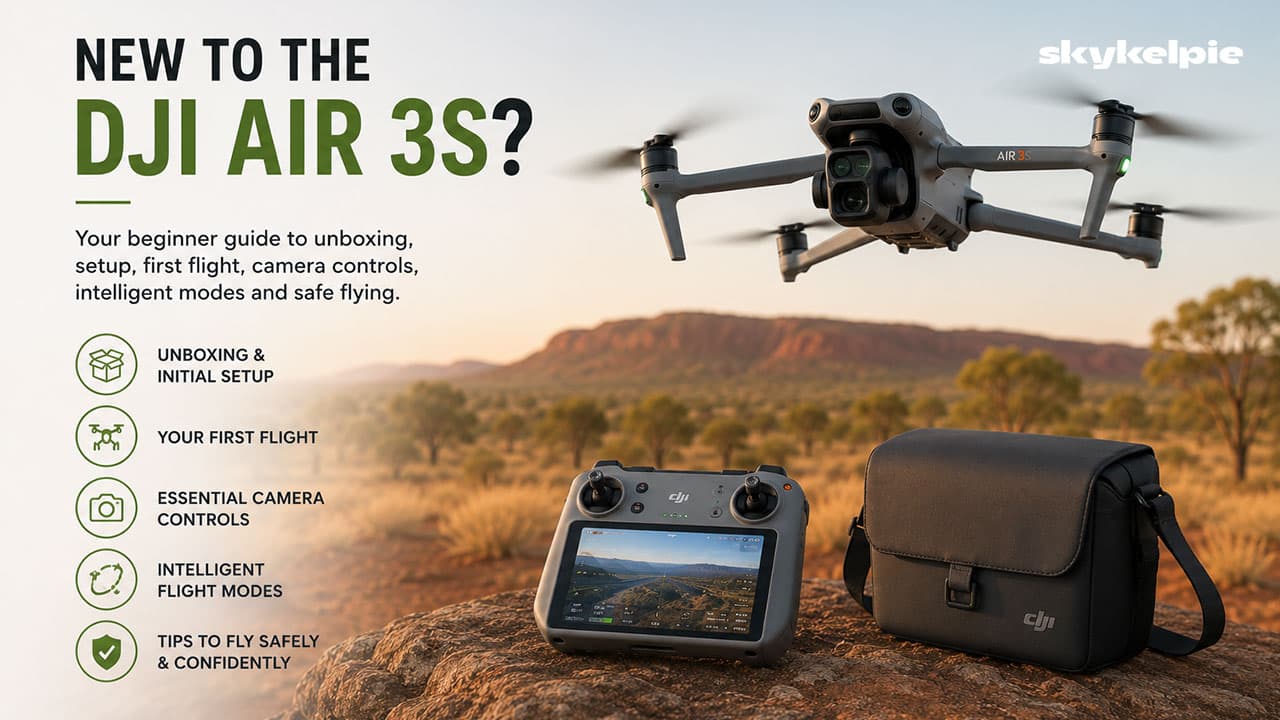
A Beginner's Guide to DJI Air 3S
Welcome to your new DJI Air 3S! This comprehensive guide will walk you through everything you need to know to get airborne safely and confidently. Whether you're new to drones or transitioning from another model, we've got you covered.
What's in the Box
Before you start, verify that your package contains all the essential components:
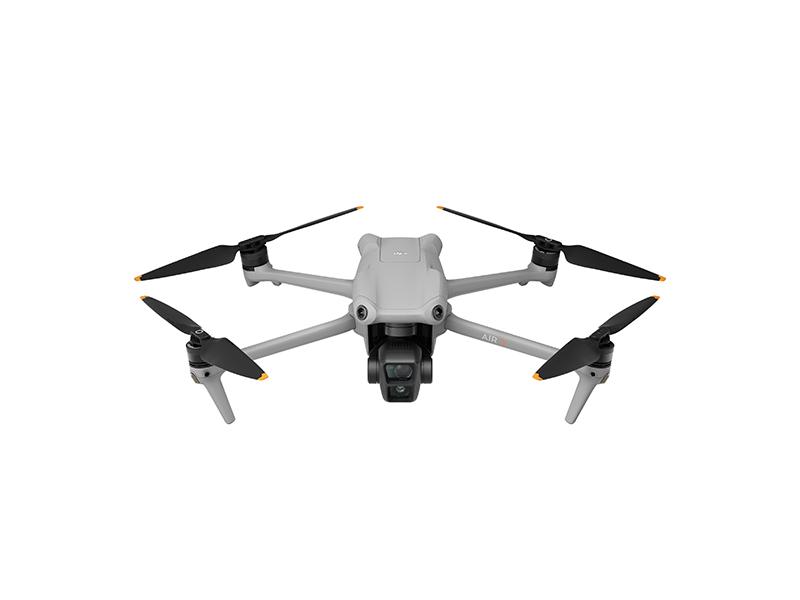
DJI Air 3S drone
Remote controller (DJI RC-N3 or RC 2, depending on your package)
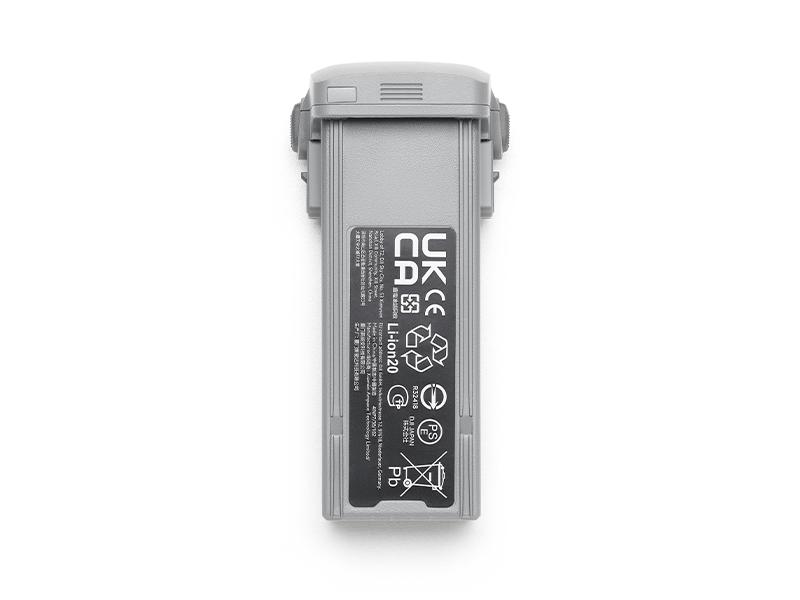
Flight battery
Charging cable (USB-C)
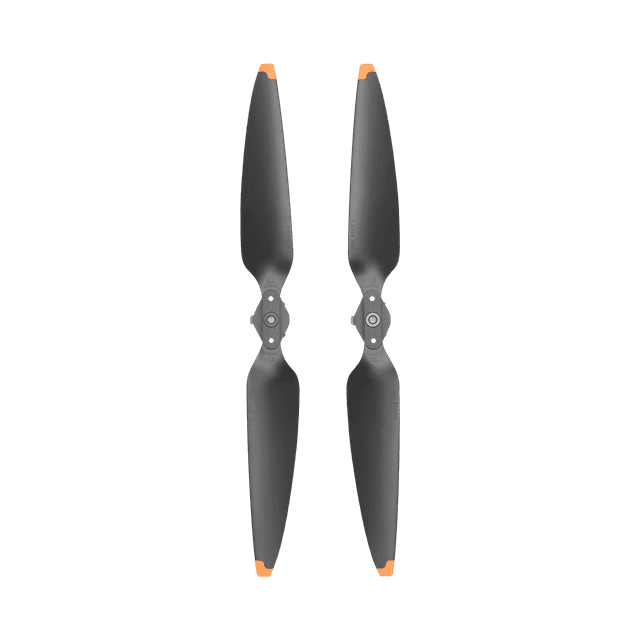
Spare propellers
Documentation and quick start guide
Pro Tip: Keep the packaging until you've confirmed everything is present and in working order.
Charging Your Equipment
Before your first flight, ensure all batteries are fully charged:
Component | Charging Time | Notes |
|---|---|---|
Flight Battery | ~80 minutes | Via USB-C |
RC-N3 Controller | ~2 hours | Use a 5V/2A charger |
RC 2 Controller | ~1.5 hours | Use a 9V/3A charger |
Charging Hub | ~60 minutes | Per battery |
Important: Always use the recommended charger specifications to maintain battery health and ensure safe charging.
Assembling Your Drone
Follow these steps to prepare your Air 3S for flight:
1. Install the Battery
Insert the flight battery into the drone's battery compartment. Push firmly until you hear a satisfying click - this confirms the battery is properly seated and locked.
2. Unfold the Frame Arms
Always unfold the arms before installing propellers. Start with the front arms, then unfold the rear arms. This sequence prevents any accidental damage to the propellers or motors.
3. Attach the Propellers
The Air 3S uses two propeller types: Type A and Type B. Each type is marked and must be matched to the corresponding motor:
Look for the markings on both the propeller and motor
Match A propellers to A motors, B propellers to B motors
Press down and twist to lock each propeller in place
Warning: Never reverse the propeller types - incorrect installation can cause the drone to behave erratically or crash.
4. Prepare the Controller
Remove the control sticks from the storage slots beneath the controller and screw them into place. Ensure they're securely attached before powering on.
Activation and Linking
If you purchased the drone and controller together, they come pre-linked. However, you'll still need to:
Download the DJI Fly app on your mobile device
Connect to the internet
Power on both the controller and drone
Follow the in-app activation prompts
Activation is a one-time process that registers your drone and unlocks all features.
Choosing Your Flight Mode
The Air 3S offers different flight modes suited to various skill levels:
N Mode (Normal) - Recommended for Beginners
Full obstacle avoidance enabled
Smooth, controlled flight characteristics
Ideal for learning and general flying
S Mode (Sport)
Obstacle avoidance is automatically disabled
Faster, more responsive controls
Recommended only for experienced pilots in open areas
We strongly recommend starting in N Mode until you're completely comfortable with the controls.
Your First Flight
Choosing a Location
Select your flying location carefully:
Open areas with minimal obstructions
Good lighting conditions (avoid dusk or overcast days initially)
Away from obstacles such as trees, power lines, and buildings
Clear of crowds and populated areas
At least 3 metres above water if flying near lakes or rivers
Critical: Always maintain visual line of sight with your aircraft.
Taking Off
Automatic Takeoff (Recommended for Beginners):
Place the drone on a flat, level surface
Power on the controller, then the drone
Wait for GPS lock and all systems to initialise
In the DJI Fly app, tap the takeoff icon
Hold the on-screen prompt to confirm
The drone will automatically ascend to a preset hover height
Manual Takeoff:
Push both control sticks diagonally inward (toward each other) to start the motors
Gently push the left stick upward to ascend
Release at your desired hover height
Understanding the Controls (Mode 2)
Most pilots use Mode 2 configuration:
Stick | Direction | Drone Movement |
|---|---|---|
Left | Up/Down | Altitude (ascend/descend) |
Left | Left/Right | Yaw (rotate left/right) |
Right | Up/Down | Pitch (forward/backward) |
Right | Left/Right | Roll (strafe left/right) |
Tip: Start with small, gentle movements. The Air 3S is very responsive, and subtle inputs go a long way.
Intelligent Flight Features
Once you're comfortable with basic controls, explore these smart features:
FocusTrack
Three powerful tracking modes:
Spotlight: Keeps the camera locked on your subject while you fly freely
Point of Interest: Automatically circles around a subject at a set distance
ActiveTrack: Follows moving subjects like people or vehicles
Panorama Modes
Capture stunning wide-angle shots:
Free Panorama
180° Panorama
Sphere (360°)
Wide Angle
Vertical
Return to Home (RTH)
The Air 3S will automatically return to its takeoff point when:
Battery reaches a critical level
Signal connection is lost
You press the RTH button
Always ensure your home point is set correctly before flying.
Storing Your Footage
The Air 3S features:
42GB built-in storage for immediate use
microSD card slot for expanded capacity
Transferring Files
Option 1 - QuickTransfer: Use the DJI Fly app's wireless transfer feature for quick mobile exports.
Option 2 - USB-C Cable: Connect the drone directly to your computer for faster transfers of large files.
Option 3 - Card Reader: Remove the microSD card and use a card reader for the fastest transfer speeds.
Safety Essentials
Before every flight:
Check local regulations - Know the rules in your area
Review GEO zones - Some areas have flight restrictions
Inspect your equipment - Check propellers, battery, and connections
Monitor weather conditions - Avoid wind, rain, and extreme temperatures
Maintain line of sight - Never fly beyond your visual range
Getting Help
If you encounter issues or need support:
DJI Care Refresh provides accidental damage protection
Warranty service covers manufacturing defects
Online repair requests can be submitted through DJI's support portal
Ready to fly? Take your time learning the basics, and soon you'll be capturing incredible aerial footage with confidence. Happy flying!
Featured in this guide
Was this article helpful?
Your feedback helps us improve our documentation