SkyKelpie
    • Home
    • Store
    • Course
    • SkySim
    • News
    • About
    • Contact
    |
    Beta v0.9 · Early accessWindows PC or Mac

    SkySimDrone Flight Simulator

    Learn to fly a drone and muster cattle with it, on your own computer, before you fly over real stock.

    Eight missions to fly in the beta, from first take-off to your first cattle muster. More arrive in release 1. Fly with a game controller or the keyboard.

    Download SkySim → Get beta access — A$1/seat/month

    Beta access: A$1 per seat per month, GST included.

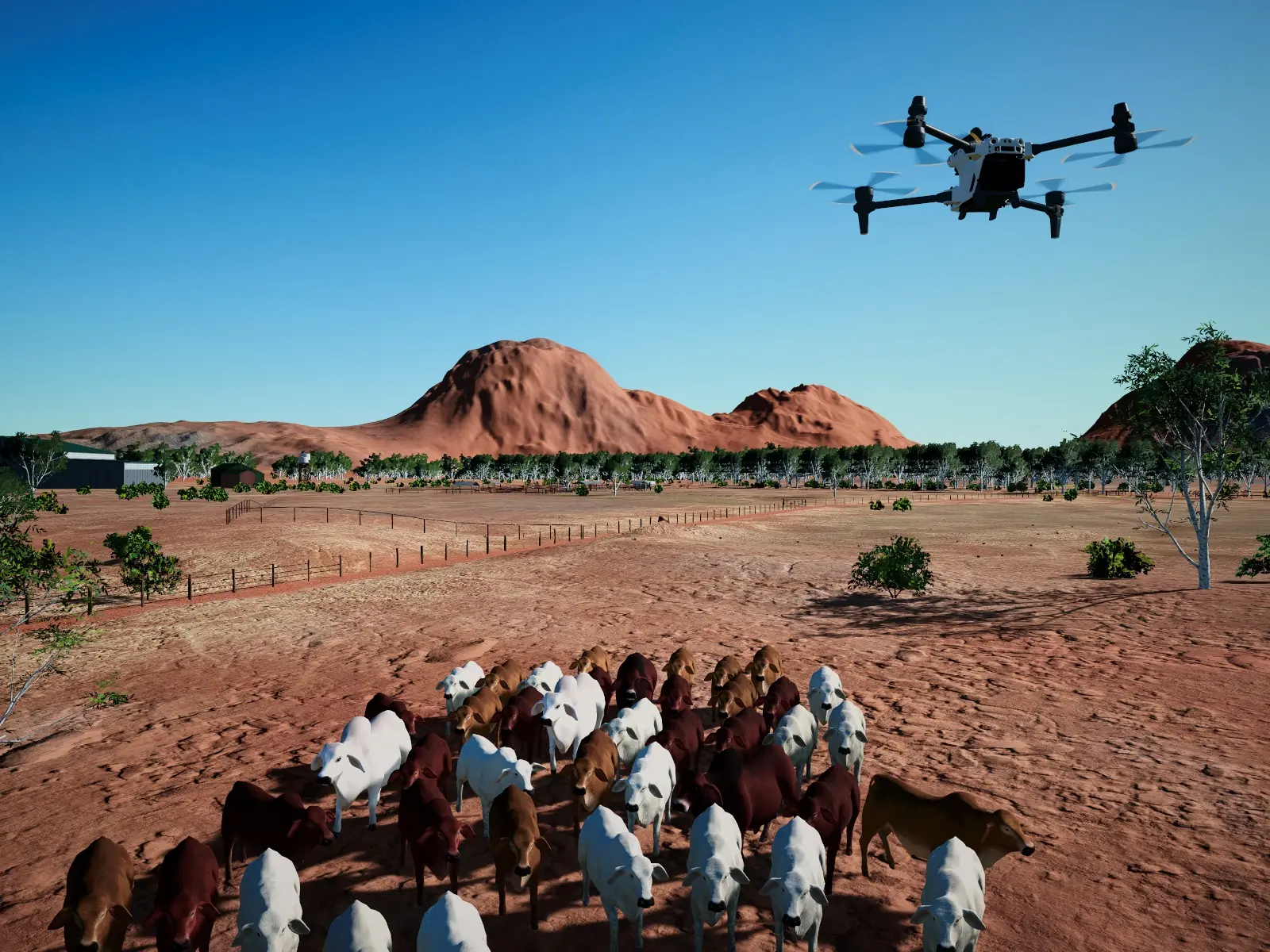
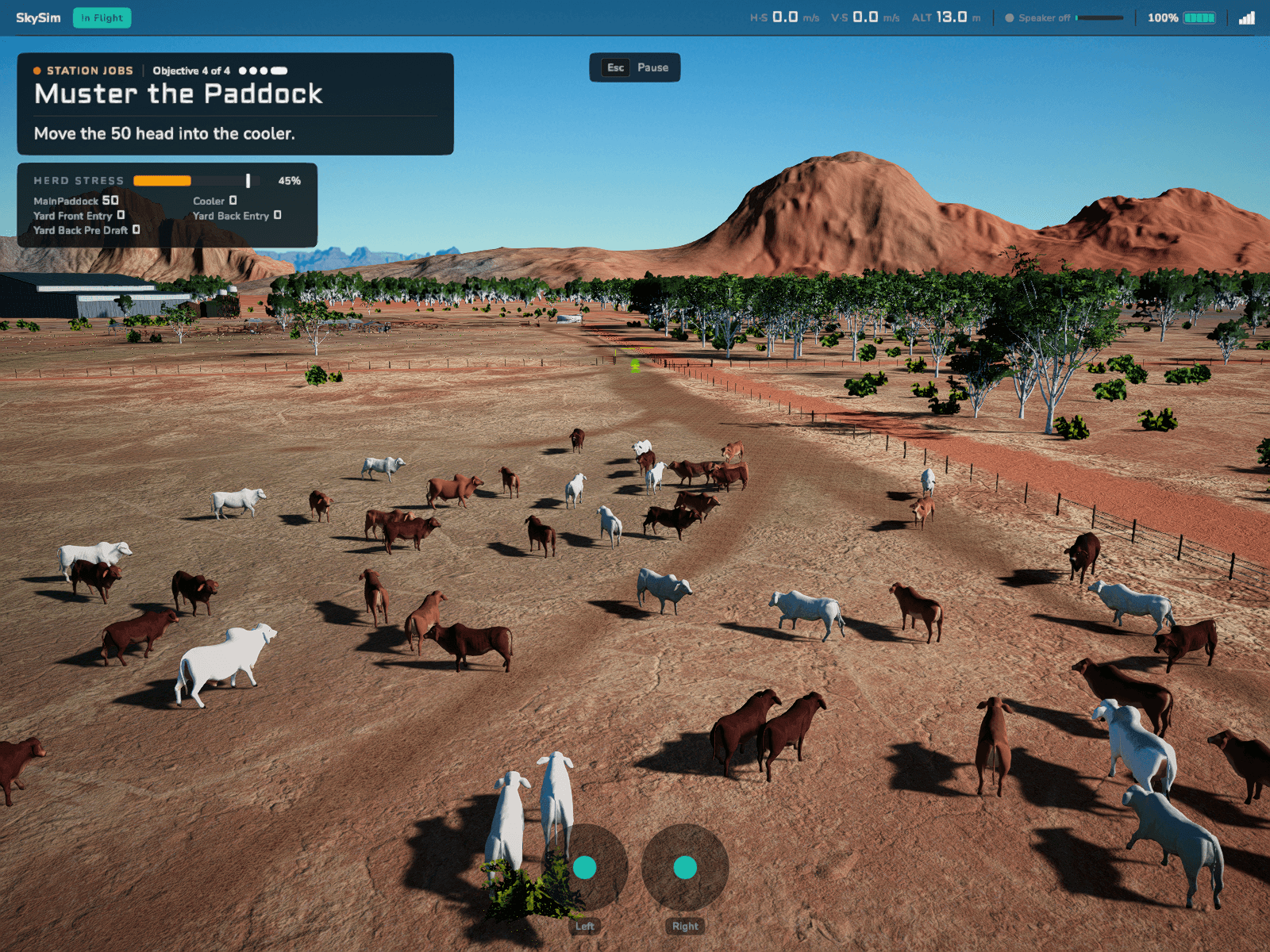
    A drone above a mob of cattle in SkySim
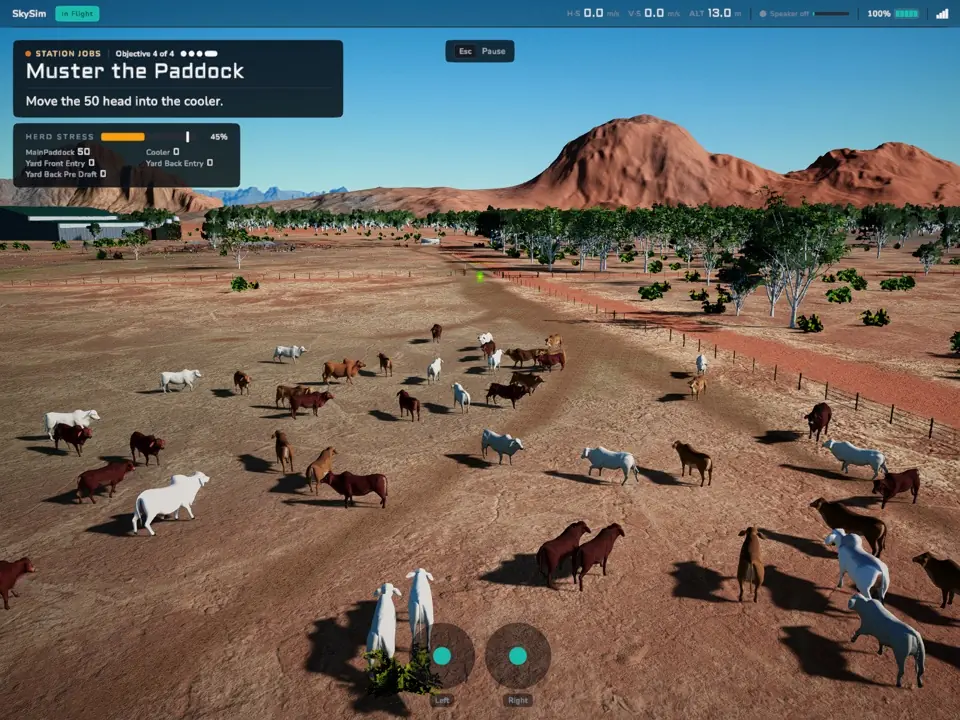
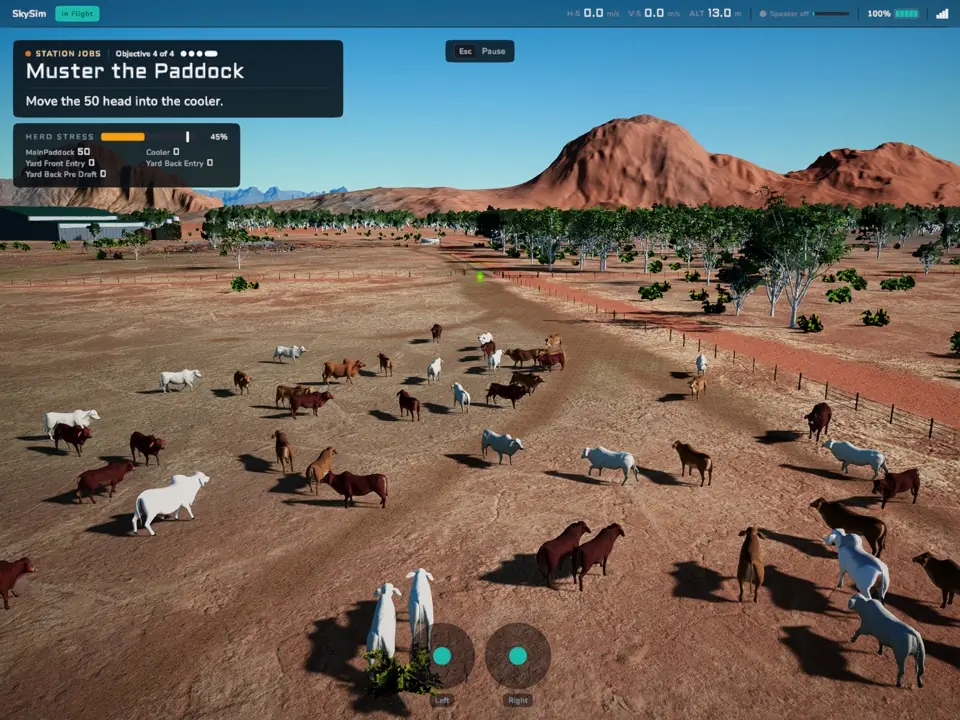
    Muster the Paddock in SkySim
    Muster the Paddock · Coming in release 1
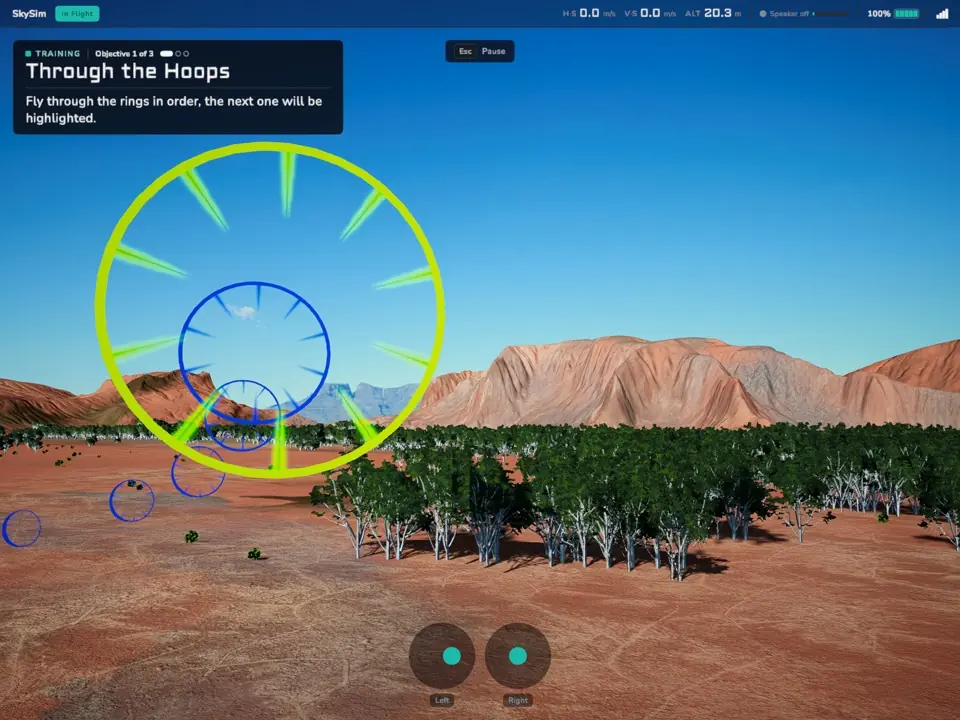
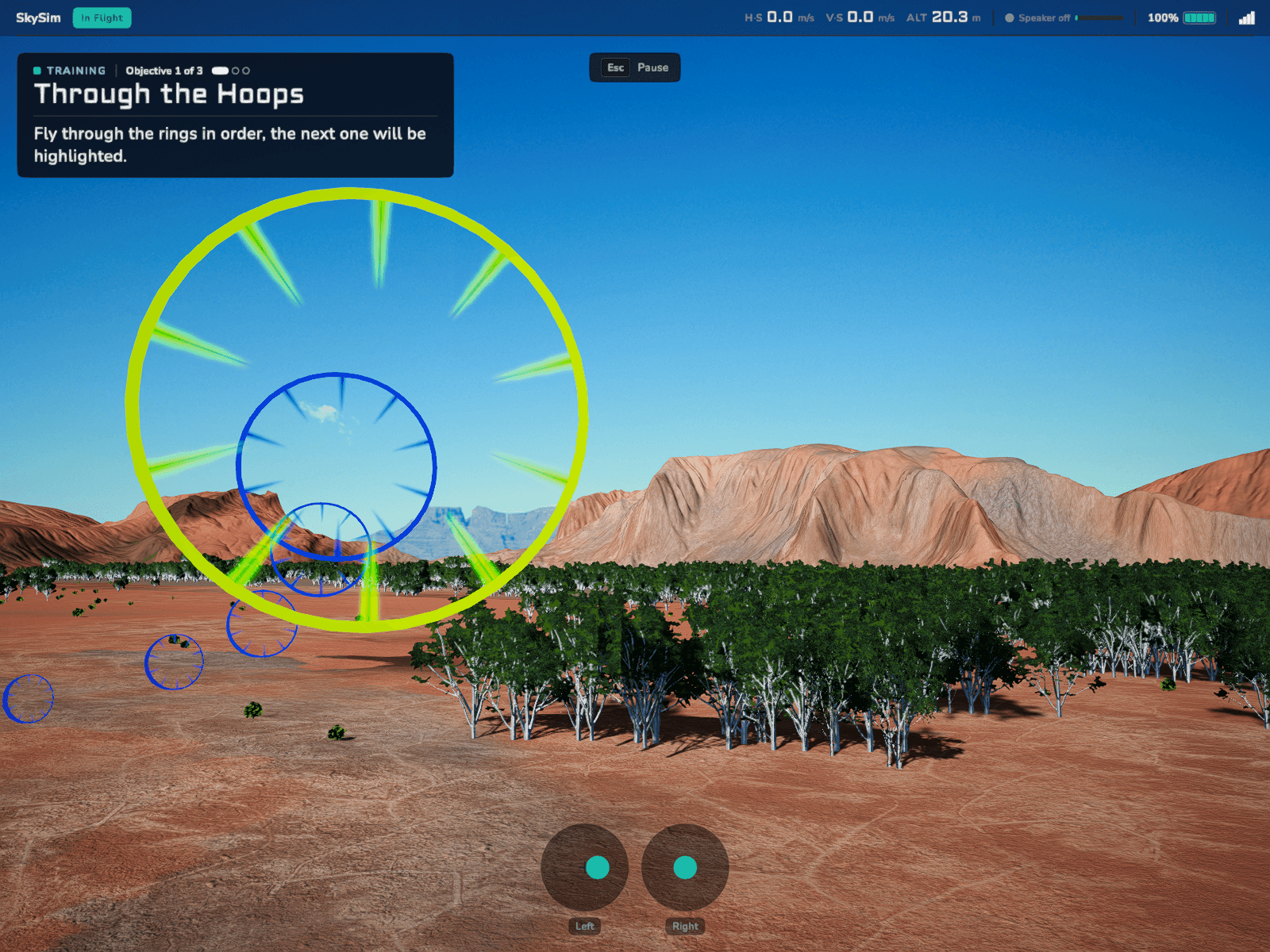
    Through the Hoops: rings in the outback flown by the drone’s camera
    Through the Hoops
    8 missionsIn the beta
    1 cattle musterIn the beta
    One seatPer pilot login
    Beta v0.9Early access
    Watch

    See SkySim in action

    Built for pilots

    Who SkySim is for

    Sold by the seat. One seat is one pilot’s login.

    Pilots learning on their own

    Buy one seat for yourself. Learn to fly a drone and muster cattle with it, on your own computer, before you fly over real stock.

    Schools and instructors

    Buy several seats and give each pilot their own. Each pilot’s results (mission, difficulty, result and time) are saved to the account.

    Station crews

    Give each person in the crew a seat. Add or remove seats from your SkyKelpie account as the crew changes.

    What you can do

    Eight beta missions, built to be flown in order

    SkySim is SkyKelpie’s training simulator for drone mustering.

    Flying the outback ring course by the drone’s camera
    Training · missions 1 to 7

    Learn the drone one skill at a time

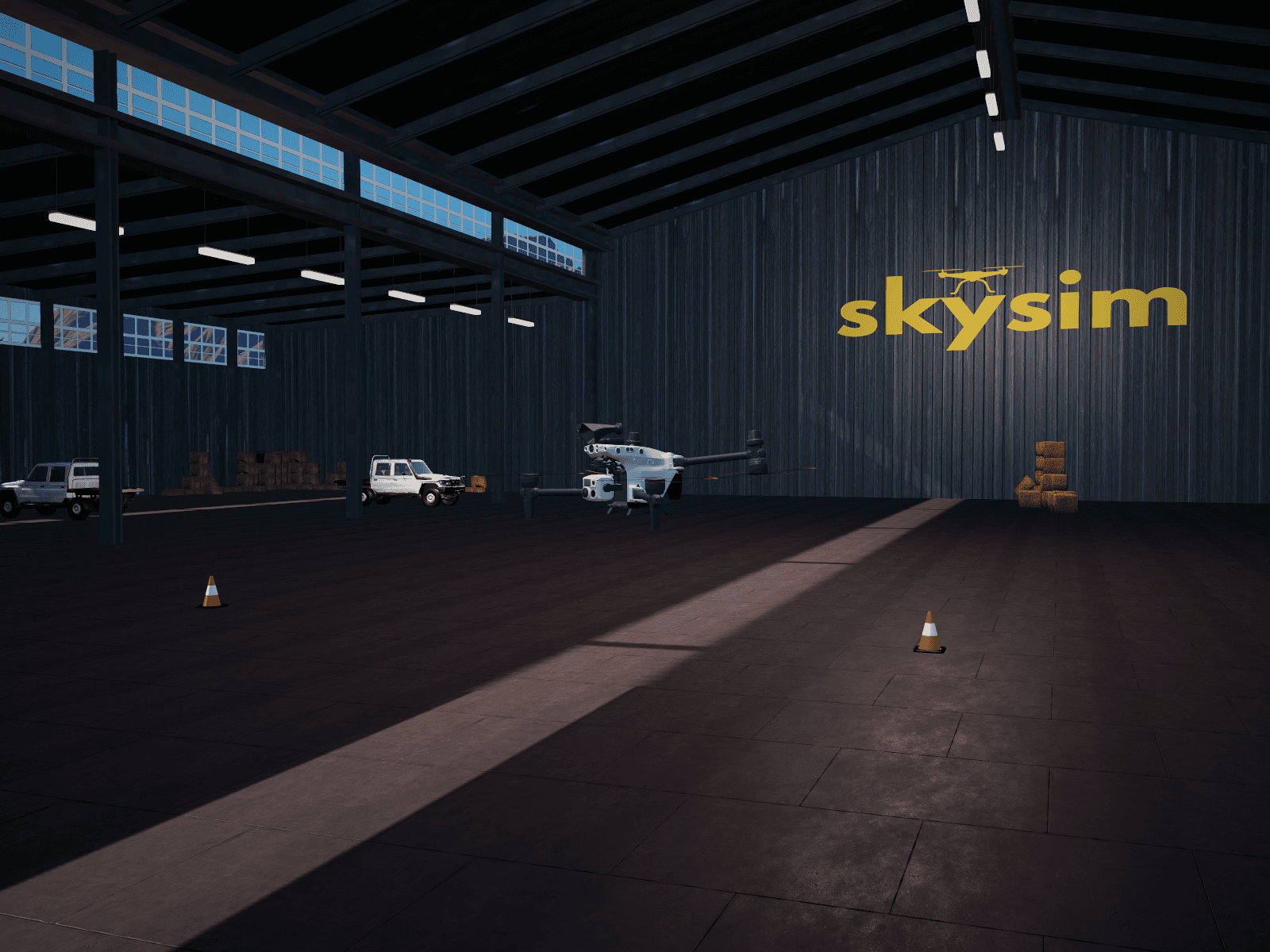
    Start with Takeoff Training, your first flight, one control at a time. Then set moves through rings, put the drone on a spot and hold it there, fly a path of rings in the outback by the drone’s camera, find a cow and keep her in view, fly beyond visual line of sight by camera only, and finish with speed and accuracy.

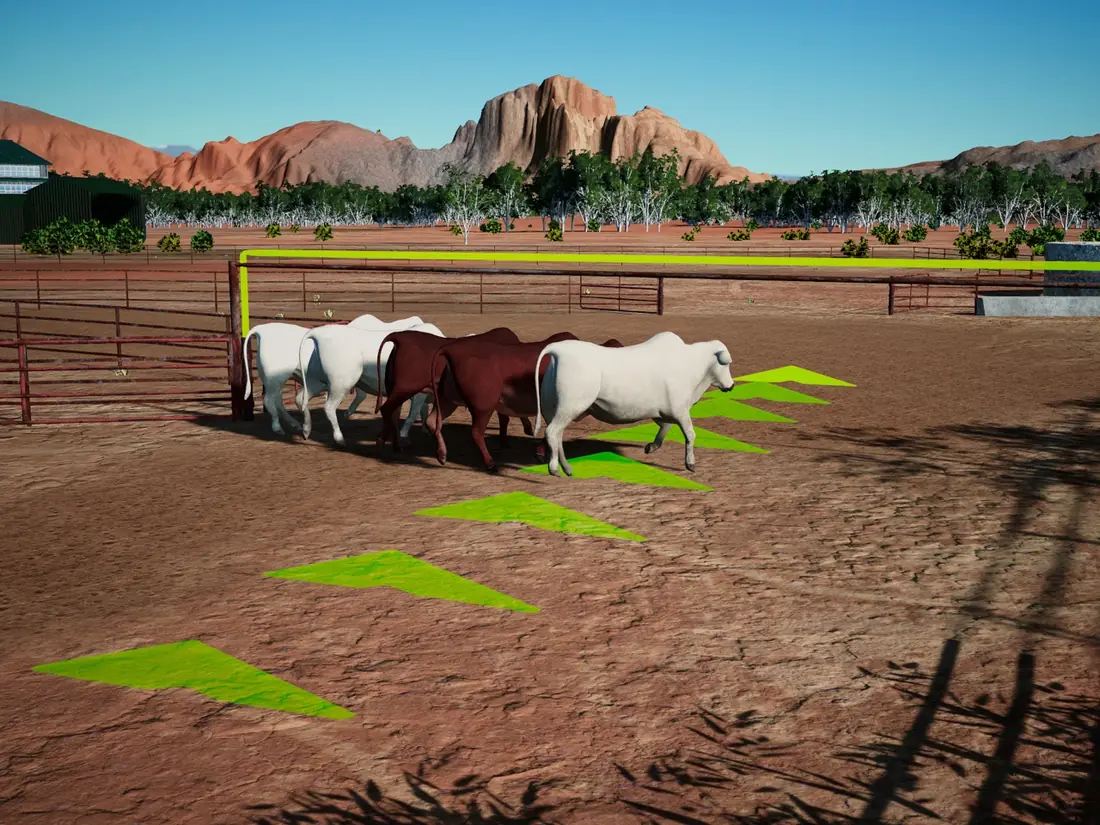
    Muster the Paddock (coming in release 1), seen from the drone
    Station jobs · mission 8

    Muster cattle with the drone

    Muster the Cooler is a practice muster: cattle through two gates into the yards. Muster the Paddock, a bigger muster through four gates, arrives in release 1. The cattle in SkySim are a model: real stock may behave differently.

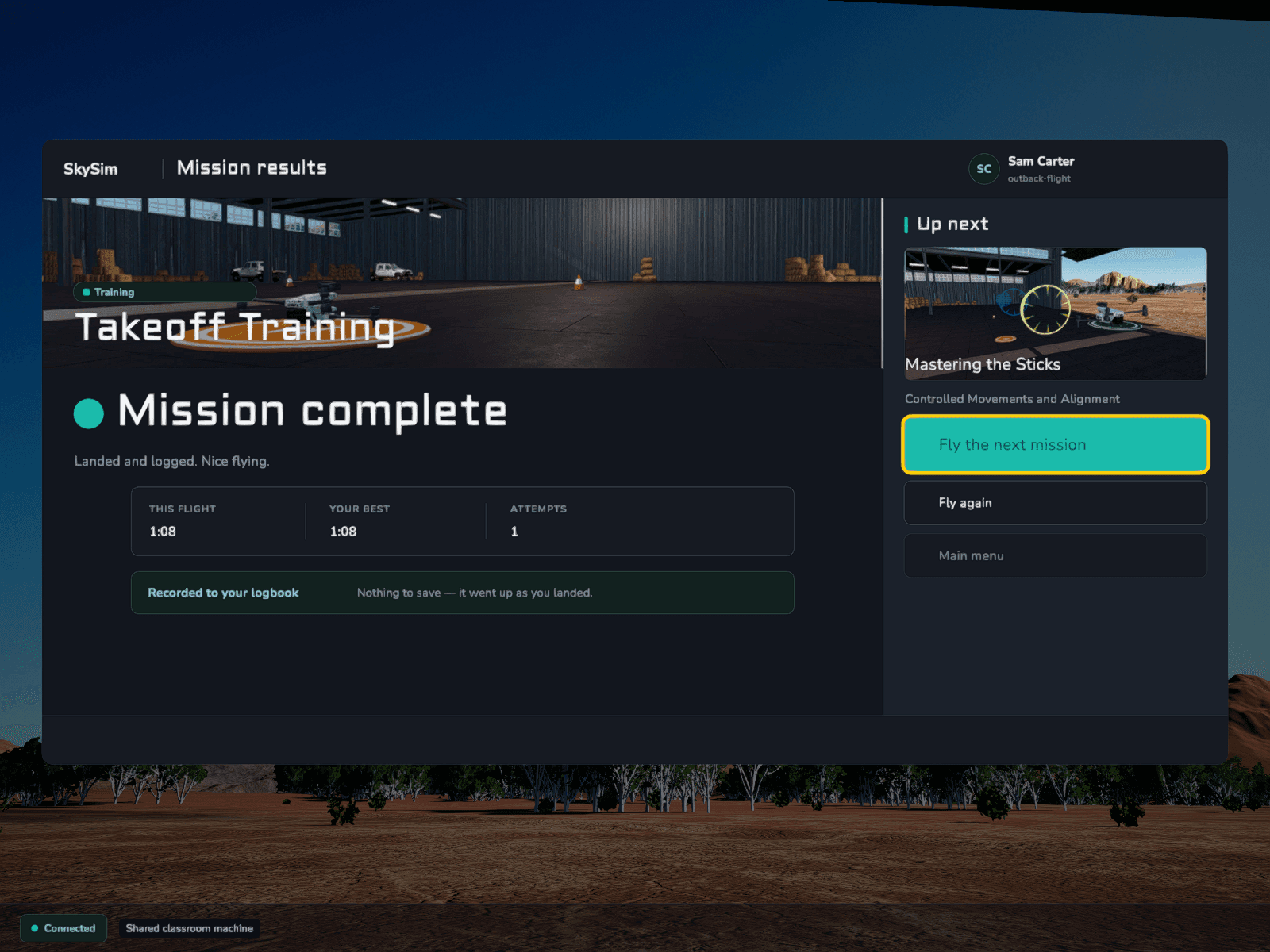
    SkySim results screen after a completed mission
    Results

    Every flight is recorded

    Each pilot’s results (mission, difficulty, result and time) are saved to the account, with their attempts and best time for each mission.

    First flight in the SkySim training warehouse
    Your computer

    Fly on a Windows PC or a Mac

    SkySim runs on a Windows PC or a Mac, with a game controller or the keyboard. An Xbox-style controller is recommended.

    Four steps

    How it works

    From buying seats to your pilots’ first flight.

    1. Buy seats

    Buy one seat for yourself, or several for a school or a crew. Pay monthly, and add or remove seats from your SkyKelpie account.

    2. Set up your pilots

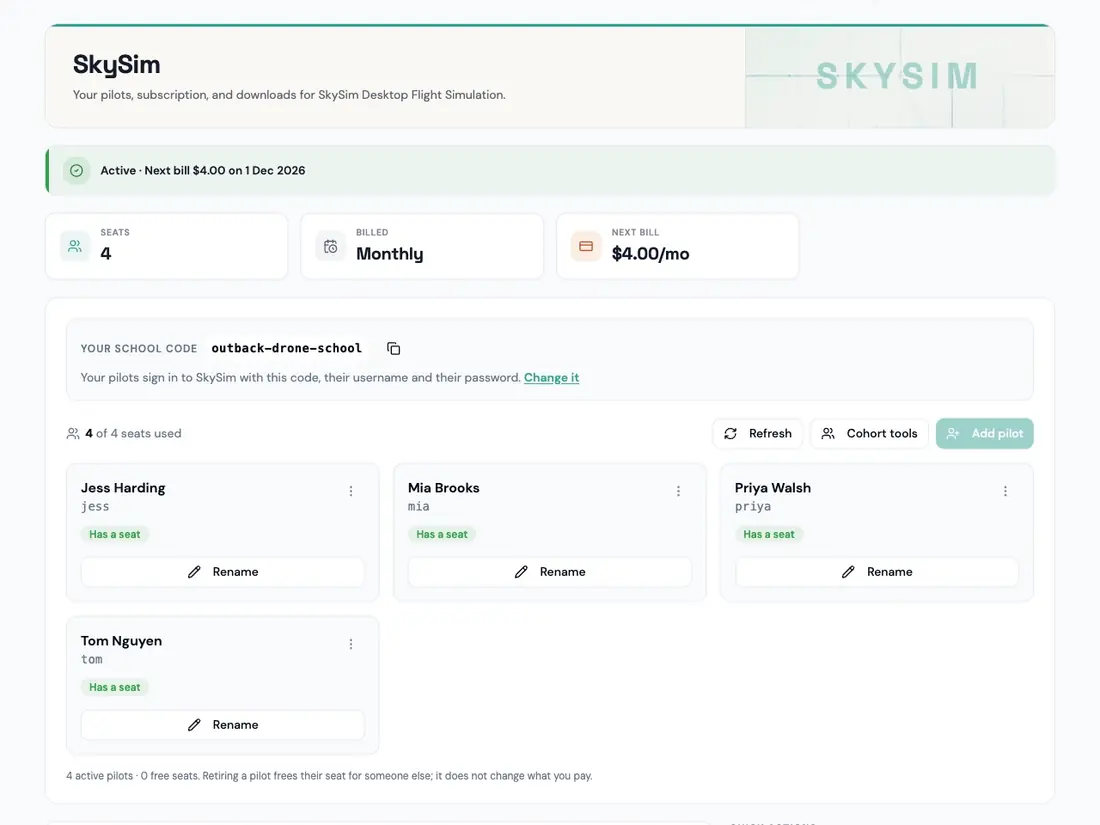
    In your SkyKelpie account, give each pilot a seat. Pilots sign in to SkySim with your school code, their username and their password.

    3. Download

    Download SkySim Beta v0.9 for Windows or Mac from this page. You download each new version yourself.

    Learn more

    4. Pilots sign in

    Each pilot signs in over the internet at least once every 7 days. Between sign-ins SkySim works offline.

    Beta early access: SkySim Beta v0.9

    Early release for beta testers. This is SkySim before its launch on 29 January 2027, at a reduced price. It is not finished: it has faults we know about, missions may change, and progress may be reset. It sends us a description of your computer so we know what people fly on. Tell us what you find on the beta feedback page.

    Known issues in Beta v0.9

    • Takeoff Training: new pilots can fly through the first ring and lose sight of the drone.
    • Muster the Cooler: sometimes starts with the camera zoomed in.
    • Muster the Cooler: a cow icon floats above the fence at the start gate.
    • Muster the Cooler: cattle can get stuck in the gap beside the cooler.
    • Stock in Sight: if you fly past the start globe without stopping in it, the lesson can't continue. Open the pause menu and choose Reset this objective. Training runs in order, so you'll need to do this to move on.
    • Mac: the game cannot leave full screen for a window.
    • Cattle movement is being reworked: the trot looks stiff, and cattle packed together can jostle.

    Tell us what you find

    Email support@skykelpie.com with what happened, the mission, and whether you were on Windows or Mac.
    Minimum requirements

    WindowsMac
    SystemWindows 10 (21H1) or later, 64-bitmacOS 12 or later
    Processor64-bit Intel or AMDApple Silicon or Intel
    GraphicsDirectX 11 capableMetal capable
    InternetTo sign in, at least once every 7 daysTo sign in, at least once every 7 days
    ControllerXbox-style controller recommended; keyboard worksXbox-style controller recommended; keyboard works
    Pricing

    Beta early access pricing

    One seat is one pilot’s login. Annual and own-it pricing are to be determined.

    Selected

    Beta early access

    A$1 per seat per month, GST included. Billed monthly.

    A$1/seat/month
    • One seat is one pilot’s login
    • All eight beta missions
    • Each pilot’s results saved to the account
    • Add or remove seats from your account
    • Cancel at any time; the seat works to the end of the paid month
    Buy now

    Annual

    Annual pricing is to be determined.

    TBD
    • Price to be determined
    • Register your interest and we’ll tell you when it’s set
    Tell me when

    Own it

    Own-it pricing is to be determined.

    TBD
    • Price to be determined
    • Register your interest and we’ll tell you when it’s set
    Tell me when
    For instructors

    Run your pilots from one account

    Buy seats for your school, share your school code and give each pilot a seat. The account holder can move a seat to a different pilot, and each pilot’s flight history stays with that pilot.

    Buy seats
    CTA visual
    FAQ

    Questions

    Support

    Help and support

    Stuck on a mission or a sign-in? Here’s where to go.

    Chat with Max

    Ask Max, SkyKelpie’s support assistant. Sign in to your SkyKelpie account to chat.

    Learn more

    Contact us

    Email support@skykelpie.com or use the contact page.

    Learn more

    Help articles

    SkySim guides and answers.

    Learn more

    The fine print

    SkySim is a simulation and a training aid. It is not flight training, a licence or a qualification, and the cattle in it are a model: real stock may behave differently.

    By buying you agree to the SkySim Licence and the Privacy Policy.

    Early access

    Fly SkySim Beta v0.9

    Get beta access for A$1 per seat per month, GST included.

    Get beta access — A$1/seat/monthDownload SkySim
    CTA visual
    S
    SkyKelpie

    Professional drone management platform designed for businesses and individuals who demand the best in fleet management and customer support.

    Shop

    • All Drones
    • DJI Matrice 4 Series
    • Drone Mustering Course

    Company

    • About Us
    • Contact Us
    • Knowledge Base

    Legal

    • Terms of Service
    • Privacy Policy
    • Refunds & Returns
    • Warranty & Support

    Stay Updated

    Get the latest news, product updates and launch announcements.

    No spam, unsubscribe anytime.

    © 2026 SkyKelpie. All rights reserved.