
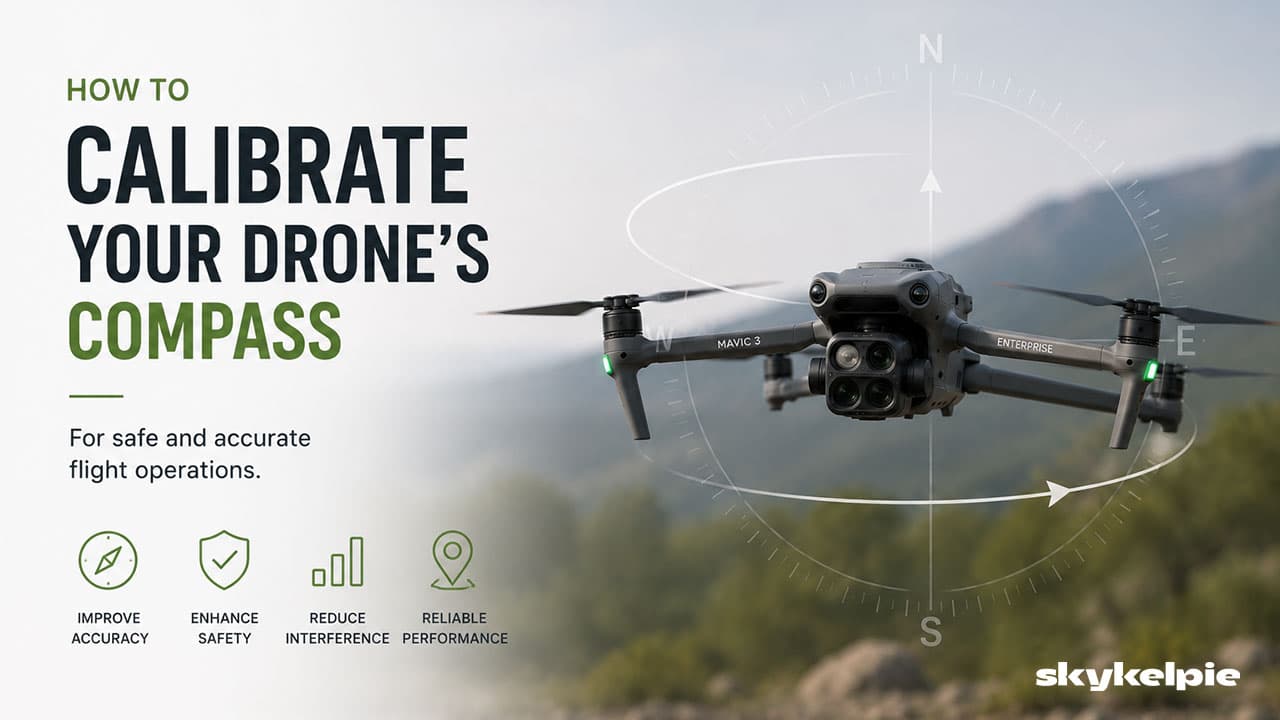
A properly calibrated compass is one of the most important safety checks you can perform before flying your DJI drone. Whether you're flying a consumer drone like the DJI Air 3 using DJI Fly or an enterprise aircraft such as the Matrice 30 or Mavic 3 Enterprise using DJI Pilot 2, compass calibration ensures your drone maintains accurate heading, stable flight, reliable Return-to-Home (RTH), and safe navigation.
If the compass is inaccurate, your drone may experience:
Toilet bowling (circular drifting, like water circling a toilet bowl) or drifting during hover
Incorrect map orientation
Compass interference warnings
Poor Return-to-Home accuracy
Sudden flight instability
DJI recommends calibrating the compass whenever prompted by the app or when flying in a significantly different location.
When Should You Calibrate a DJI Drone Compass?
You do not need to calibrate before every flight. Calibrating too often is not harmful if done correctly in a clean environment, but unnecessary calibrations increase the risk of performing the procedure near magnetic interference. DJI recommends calibrating only when needed, not before every flight.Instead, calibrate when:
Flying in a new geographic region
The app displays a compass error or interference warning
After firmware updates
After transporting the drone long distances
Following a crash or hard landing
If the aircraft drifts or behaves unusually
Avoid calibrating indoors or near:
Cars
Reinforced concrete
Steel structures
Power lines
Speakers or magnets
Large metal tables
Magnetic quick-release filter holders, magnetic phone mounts, or third-party accessories with magnets
DJI manuals warn that large metal structures and electromagnetic interference can affect compass accuracy.
How to Calibrate the Compass in DJI Pilot 2
DJI Pilot 2 is used on enterprise drones including:
DJI Matrice 30 Series
DJI Mavic 3 Enterprise / Thermal
DJI Matrice 4 Series
DJI Pilot 2 Compass Calibration Steps
Step 1 — Power On Aircraft and Controller
Turn on:
Aircraft
DJI RC Plus or RC Pro Enterprise controller
Open DJI Pilot 2
Wait for GPS lock and system initialization.
Step 2 — Open Aircraft Settings
Inside DJI Pilot 2:
Tap the three dots (⋮) in the top-right corner
Open the Safety tab
Scroll to Sensors
Select Compass
Tap Calibrate
Step 3 — Move to an Open Area
Before starting:
Remove phones, keys, radios, and metal objects from your pockets
Stand at least 5–10 metres from vehicles or buildings
Keep away from rebar concrete and drainage covers
Step 4 — Perform Horizontal Rotation
DJI Pilot 2 will prompt you to:
Hold the aircraft level
Rotate it 360° horizontally
The aircraft LEDs or on-screen indicator will confirm completion.
Step 5 — Perform Vertical Rotation
Next:
Point the drone nose downward
Rotate another 360° vertically
Once successful, DJI Pilot 2 will display:
“Calibration Successful”
If calibration fails:
Move to another area
Restart the process
Check for nearby magnetic interference
Compass Calibration on DJI Fly
DJI Fly is used on consumer drones like:
DJI Air 3
DJI Mini Series
DJI Air Series
DJI Mavic 3 (standard)
The process is similar but uses a different interface.
Pro Tip: After a successful calibration, power cycle the aircraft (turn it off, wait 10 seconds, turn it back on). This ensures the new compass data is fully loaded. DJI enterprise manuals recommend this step for the Matrice 30 and Mavic 3 Enterprise series.
DJI Fly Compass Calibration Steps
Step 1 — Power On
Turn on:
Aircraft
Remote controller
DJI Fly app
Wait for aircraft status to initialize.
Step 2 — Open Safety Settings
In DJI Fly:
Tap the three dots in the top-right corner
Open the Safety tab
Scroll to Sensors
Tap Compass
Select Calibrate
Step 3 — Follow On-Screen Instructions
DJI Fly provides animated calibration guides.
You will complete:
Horizontal Rotation
Rotate the aircraft horizontally 360°.
Vertical Rotation
Point the nose downward and rotate vertically 360°.
The app will confirm successful calibration.
DJI GO 4 Compass Calibration
Some older DJI drones still use DJI GO 4, including:
Phantom 4 Series
Inspire 2
Older Mavic models
Calibration Process
Open DJI GO 4
Enter Camera View
Tap Aircraft Status Bar
Open Compass Settings
Tap Calibrate
Perform the horizontal and vertical rotations
The process remains nearly identical across DJI platforms.
Common Compass Calibration Mistakes
Calibrating Near Metal
This is the most common mistake.
Avoid calibrating near:
Vehicles
Steel benches
Car parks
Concrete slabs with rebar
The compass may calibrate incorrectly and create worse flight performance.
Calibrating Indoors
Indoor environments often contain hidden magnetic interference from:
Wiring
Steel beams
Electronics
Always calibrate outdoors.
Ignoring Compass Warnings
If DJI Pilot 2 or DJI Fly displays:
“Compass Error”
“Magnetic Interference”
“Compass Calibration Required”
Do not take off until resolved.
Compass vs IMU Calibration — What’s the Difference?
Many pilots confuse compass calibration with IMU calibration.
Compass Calibration
Corrects directional heading and orientation.
Needed when:
Moving locations
Compass warnings appear
IMU Calibration
Corrects aircraft motion sensors and attitude stability.
Needed when:
Drone drifts
Aircraft tilts while hovering
After crashes or temperature changes
Enterprise aircraft manuals explain that sensors and positioning systems are critical for stable flight operations and obstacle avoidance.
Pro Tips for Reliable Compass Performance
Wait for Strong GPS Lock
Do not rush takeoff.
Wait for:
Home Point updated
Adequate satellites
Strong GNSS signal
Check the Map Orientation
Before takeoff:
Rotate the drone physically
Ensure the map heading matches the aircraft direction
If not, recalibrate.
Monitor Magnetic Interference Levels
DJI Pilot 2 and DJI Fly both display interference warnings.
If warnings persist after calibration:
Move location
Power cycle aircraft
Retry calibration
Final Thoughts
Compass calibration is a quick but critical safety step that can prevent flyaways, unstable flight, and navigation errors.
Whether you're operating a DJI Air 3 in DJI Fly or a Matrice 30 using DJI Pilot 2, understanding when and how to calibrate correctly is essential for professional and safe drone operations.
The key is simple:
Calibrate only when needed
Always do it outdoors
Stay away from metal and interference
Follow the app prompts carefully
Done correctly, your drone will maintain accurate heading, safer Return-to-Home functionality, and more reliable flight performance every time.
Featured in this guide
Was this article helpful?
Your feedback helps us improve our documentation