
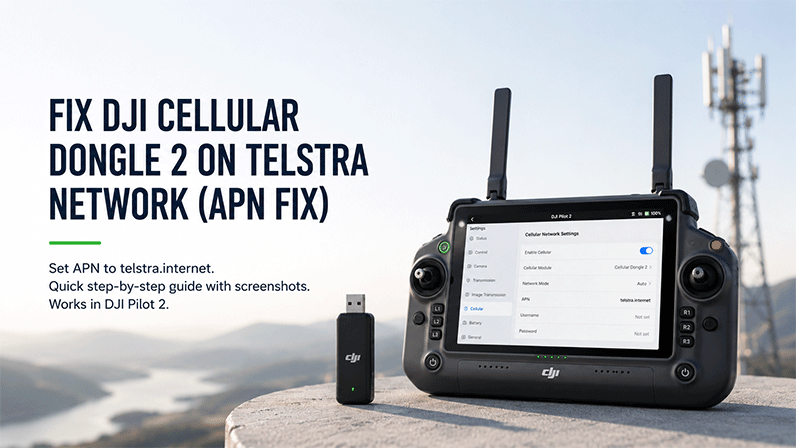
If your DJI Cellular Dongle 2 isn’t connecting properly to the Telstra network in Australia, you’re not alone. The good news? The fix is simple—and takes less than a minute.
After checking signal strength, network link detection, and SIM card settings, the real culprit is almost always an incorrect or missing APN.
Here’s exactly how to fix it.
The Problem
You may see:
Weak or no 4G signal
“Network Link Detection” showing issues between aircraft and network
Enhanced Transmission not activating
Good signal strength (e.g., -113.8dBm) but no data flow
In many cases, the dongle defaults to the wrong APN—or none at all. On Telstra, you need the correct APN manually entered.
The Fix (Step by Step)
Follow these steps inside DJI Pilot 2 (or DJI Fly, depending on your drone):
1. Open Image Transmission Settings
From the main flight screen, tap Image Transmission Settings (usually the HD / signal icon).
2. Go to Enhanced Transmission
Tap Enhanced Transmission – this is where the cellular dongle settings live.
3. Enter APN Settings
Inside Enhanced Transmission, look for APN Settings under Aircraft Network.
4. Change APN Name
Tap APN Name and enter:
telstra.internet
5. Leave Other Settings as Is
Based on your working configuration:
APN Protocol: IPv6
Username: Not set
Password: Not set
Authentication Type: None
6. Save
Tap Save and wait a few seconds for the dongle to re-register on the Telstra network.
What You Should See After the Fix
Network Link Detection → “Normal” for both Aircraft and Remote
Signal strength improves (or becomes usable)
Enhanced Transmission activates properly
Important Notes
Your Dongle IMEI (e.g., '86246007107648' ) isn’t needed for the APN fix, but keep it handy if you ever need Telstra support.
This fix works for both SIM card and eSIM configurations.
If you’re on a Telstra MVNO (like Belong, Boost, or ALDImobile), try:
telstra.internet (usually works)
mdata.net.au (for some MVNOs)
After saving, power-cycle the drone and controller if the connection doesn’t appear within 30 seconds.
Why This Works
Telstra’s network requires the correct APN ('telstra.internet') to assign an IP address and allow data flow. The DJI Cellular Dongle 2 doesn’t always auto-fetch this on Telstra, especially with non-Telstra-branded SIMs or certain eSIM profiles. Manually setting it forces the connection.
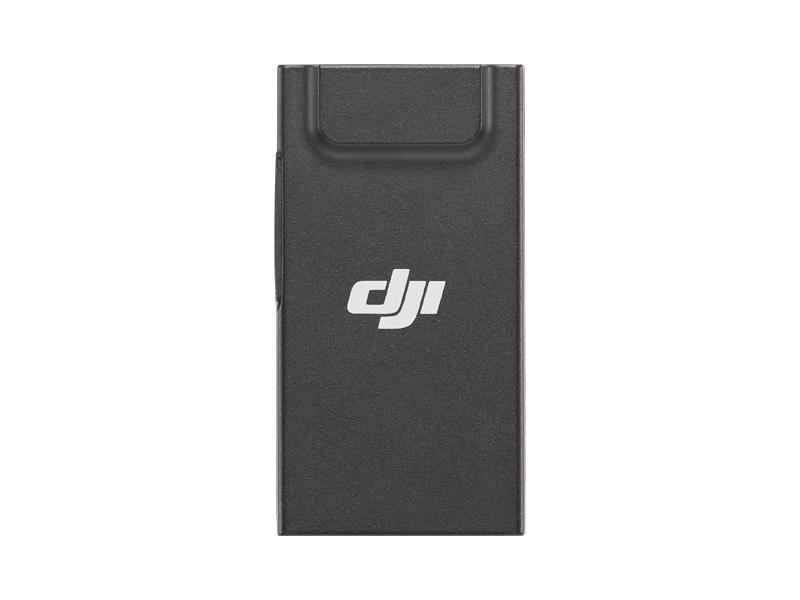
Featured in this guide
Was this article helpful?
Your feedback helps us improve our documentation