
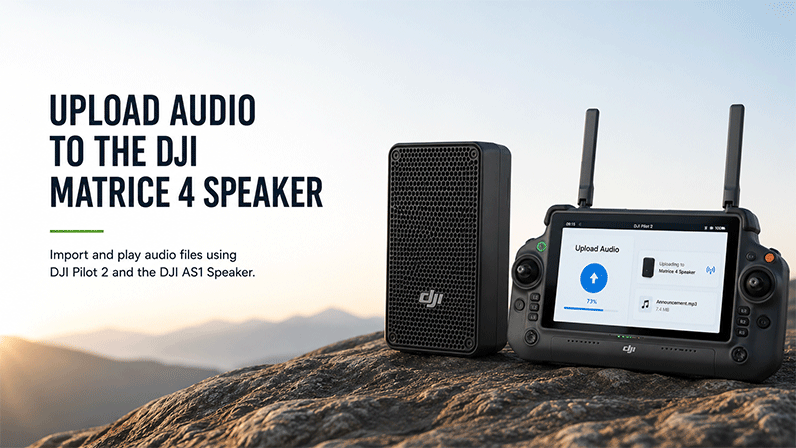
The DJI Matrice 4 Series supports the DJI AS1 Speaker, allowing operators to play pre-recorded audio messages through DJI Pilot 2.
Step 1 – Prepare the audio file
Create or download your audio message and save it in a supported audio format.
Tips:
Keep messages short and clear
Avoid background noise
Use high recording volume without distortion
Step 2 – Transfer the file to the controller
Copy the audio file to the DJI RC Plus 2 Enterprise controller using:
microSD card
USB connection
direct download
Step 3 – Power on the system
Turn on:
RC Plus 2 controller
Matrice 4 aircraft
DJI AS1 Speaker
Open DJI Pilot 2 and connect to the aircraft.
Step 4 – Open speaker settings
In DJI Pilot 2, open the speaker or payload controls and enter the AS1 Speaker menu.
Step 5 – Import the audio file
Select Audio Management or Import Audio, then choose the saved file from the controller.
The file will now appear in the speaker audio list.
Step 6 – Test playback
Press play to test the message and adjust the volume if required.
Troubleshooting
File not showing: check the file format and storage location
No sound: confirm the AS1 Speaker is connected
Distorted audio: lower the recording volume and try again
Once uploaded, audio files can be played during flight directly through DJI Pilot 2.
Featured in this guide
Was this article helpful?
Your feedback helps us improve our documentation