
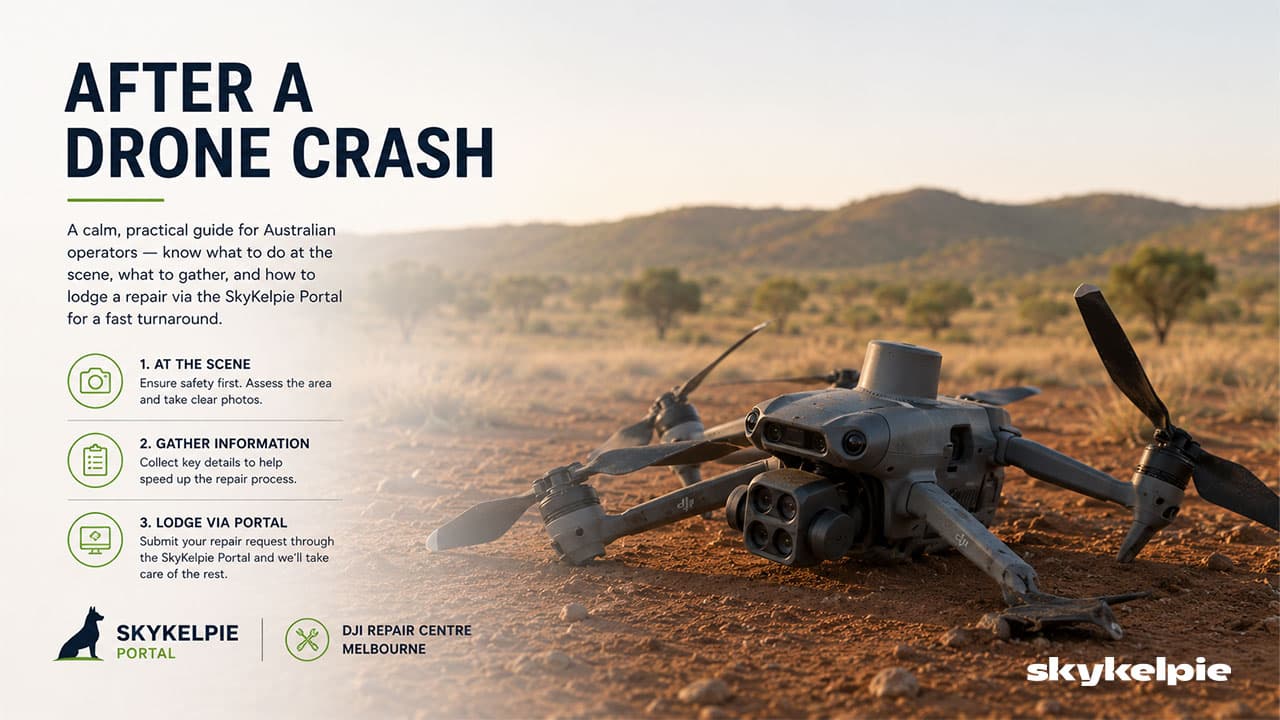
Crashed your drone? Don't panic — here's the playbook
Hard landings happen. A bird strike, a sudden gust, a comms drop, a controller fumble — even experienced pilots clip a tree eventually. The good news: most enterprise DJI aircraft are built to survive an awkward landing, and Australia has solid repair infrastructure. The faster you work through the steps below, the sooner your drone is back in the air.
1. Make the scene safe (first 5 minutes)
Power down the aircraft. If the props are still spinning, hit the emergency motor stop on the controller (CSC — both sticks to the bottom-inside corners). Once the aircraft is on the ground and silent, do not power-cycle it.
Disconnect the battery as soon as it's safe to do so. A crashed LiPo battery can vent or ignite if the cells are damaged — especially after impact. Don't put a smoking or swollen battery back in your case. Place it on bare ground, well away from anything flammable, and keep an eye on it for at least 15 minutes.
Don't try to fly it again to "see if it still works". Tempting, but a bent arm, cracked motor mount or shifted IMU can turn a recoverable repair into a write-off.
Check for injuries and bystanders. If anyone has been hit by the aircraft or debris, treat that as the priority and follow your operator's safety procedure.
If the battery is damaged
Swollen, hissing, hot or visibly punctured batteries should be quarantined. Submerge the battery in salt water for 24 hours in a non-flammable container, then dispose of through a battery recycling point (B-cycle in Australia). Do not ship a damaged battery — it cannot legally travel by air freight.
2. Document the incident (next 15 minutes)
This is the bit pilots forget under pressure, and it's the bit that makes the difference between a 2-week repair and a 6-week back-and-forth.
Photograph the aircraft where it landed. Wide shot, then close-ups of every visible damage point. Don't move it before photographing.
Photograph the surrounding area. Trees, fences, power lines, terrain — the context helps the repair centre understand impact forces.
Note the conditions. Wind speed, time of day, GPS satellite count at last good telemetry, recent firmware version. Check for any RC interference noted in the controller log.
Save the flight log. Open DJI Pilot 2 (or DJI Fly for the Mavic 3 series) and sync the flight record before you wipe or troubleshoot anything. The DJI repair team will ask for this — it tells them whether the cause was hardware, environmental, or pilot input.
Write a short incident note now. Even three lines is enough: "Hovering at 35m AGL, sudden roll left, descended into mulga, no obstacle alerts beforehand." Future-you will thank present-you.
3. What you'll need before lodging the repair
SkyKelpie's portal pre-fills most of this from your account, but it's worth having to hand:
The aircraft serial number. Printed inside the battery bay on most enterprise models, also visible in the DJI Pilot 2 "About" screen. The portal cannot raise the RMA without it.
Your DJI account login. The SkyKelpie portal links to your DJI account so we can see exactly which aircraft you've registered and which Care Plan they're bound to. If you haven't linked your DJI account yet, you'll be prompted to during the repair flow.
Care Plan / warranty status. The portal will tell you what's covered before you lodge — but if you're checking on the DJI side, log in to your DJI account and look under "Service & Support → My Service Plans".
Your incident notes and photos from step 2.
The flight log file (.txt or .DAT, exported from DJI Pilot 2 or DJI Fly).
4. Lodging the repair through SkyKelpie
Sign into the SkyKelpie portal and go to My Products → Lodge a Repair.
Sign into your DJI account when prompted. The portal pulls your registered aircraft list and pre-populates the form.
Select the aircraft. Confirm the serial number matches the unit you're sending in (sometimes operators have multiple of the same model — get this right).
Describe the incident. Paste your incident note from step 2 here, and upload the photos and flight log.
Confirm your contact details and shipping address.
Submit. You'll receive an RMA reference number by email within one business day.
What happens next
SkyKelpie raises the RMA with DJI on your behalf. The aircraft (and any damaged accessories you're including) is shipped to the DJI authorised repair centre in Melbourne for assessment. You'll receive a packing checklist and freight label as part of the RMA confirmation — please use these, not your own freight account, so the consignment is logged correctly on arrival.
5. Turnaround and communication
Initial assessment: 3–5 business days after the aircraft arrives in Melbourne.
Quote (if applicable): If your damage isn't fully covered by warranty or Care Plan, you'll receive an itemised quote through the portal. Repair only proceeds once you approve.
Repair work: typically 1–3 weeks depending on parts availability. Matrice 4 series and Matrice 30 series parts are usually in-country; Matrice 350 RTK and Agras T-series may add a week if a component has to come from Shenzhen.
Return shipping: 2–4 business days back to your address.
Status updates: visible at any time in the SkyKelpie portal under My Products → Repairs. Major status changes also trigger an email.
6. If the aircraft is beyond economic repair
Sometimes the assessment comes back as BER — beyond economic repair. The repair quote exceeds the residual value of the aircraft. In that case:
If you have DJI Care Enterprise Plus and a replacement allowance remaining, the aircraft can be replaced at the deductible cost rather than repaired. The portal walks you through swapping in the replacement.
If you don't have a Care Plan, you can either accept the return of the damaged unit, or have DJI Melbourne dispose of it responsibly (battery recycling, parts harvest).
Either way, your data on the SD card is wiped during disposal — pull anything you need before sending the aircraft in.
7. Stop us from repeating it
Once the dust has settled, log a note against the aircraft in the SkyKelpie portal — what happened, what changed in your pre-flight checklist, what training or procedure update came out of it. Repeated similar incidents on the same airframe are a flag to inspect more carefully on the next service.
Need a hand?
If you're not sure whether something counts as a crash worth lodging, or you're stuck mid-process, jump in the support chat with Max (our AI assistant) or contact the SkyKelpie team directly. We'd rather help you lodge cleanly the first time than untangle paperwork later.
Featured in this guide


Was this article helpful?
Your feedback helps us improve our documentation